
The phrase "mouse key" is used in two different ways, and which one someone means depends entirely on context. This short guide covers both so you're never confused again.
Meaning 1: A Button on Your Mouse
In everyday use, a "mouse key" simply refers to one of the buttons on a mouse — the same way keys on a keyboard are buttons you press. A typical mouse has:
- Left button (primary) — clicking, selecting, dragging.
- Right button (secondary) — opens context menus.
- Middle button / scroll-wheel click — opens links in new tabs, autoscroll.
- Side buttons (back/forward) — navigation on gaming and productivity mice.
Want to see which key is which on your mouse? Our What Mouse Do I Have tool identifies each button as you press it, and the Mouse Button Test confirms every button registers correctly.
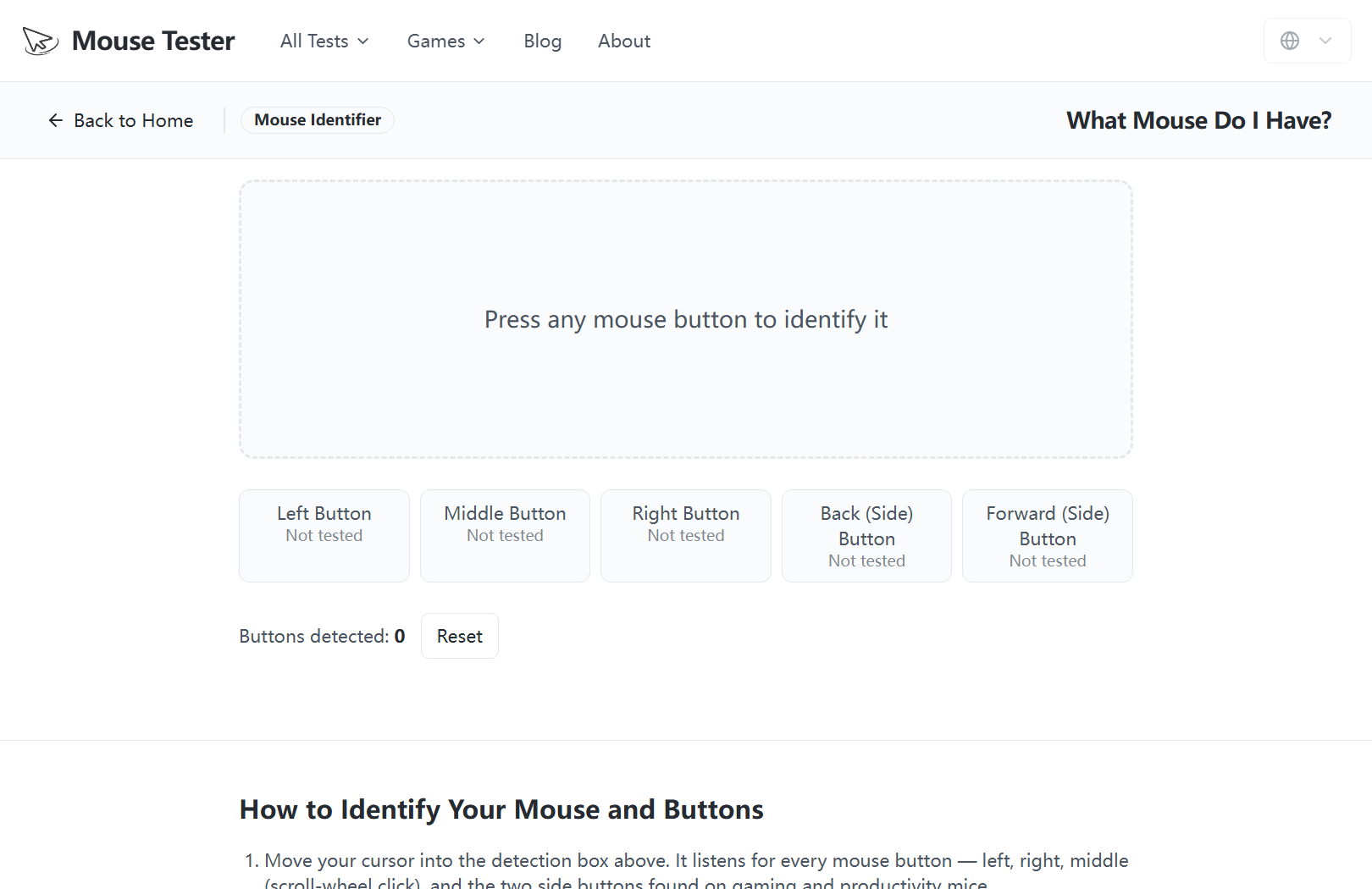 Press any key over the detection box and the tool names the button — left, middle, right, or a side key — and marks it as detected.
Meaning 2: Mouse Keys (the Accessibility Feature)
Mouse Keys (capital M, capital K) is a built-in accessibility feature in Windows and macOS that lets you move the mouse cursor using the numeric keypad instead of a physical mouse. It's designed for people who have difficulty using a mouse, or for precise, pixel-by-pixel cursor control.
How to turn on Mouse Keys in Windows
- Open Settings › Accessibility › Mouse.
- Turn on Mouse Keys.
- Use the numeric keypad to move the pointer: 8 = up, 2 = down, 4 = left, 6 = right, and the corner keys (7, 9, 1, 3) move diagonally.
- Press 5 to click, and use /, -, and * to switch between left, right, and both buttons.
You can also toggle it quickly with Left Alt + Left Shift + Num Lock.
How to turn on Mouse Keys on macOS
- Open System Settings › Accessibility › Pointer Control.
- Select Alternate Control Methods and enable Mouse Keys.
- Use the keyboard keys shown to move the pointer.
Which One Do You Mean?
| If you're talking about… | You mean… |
|---|---|
| Clicking, buttons, side buttons | A mouse button ("mouse key" casually) |
| Moving the cursor with the keypad | The Mouse Keys accessibility feature |
Either way, if you want to check that your physical mouse buttons all work, the quickest test is our free Mouse Button Test — press each button and watch it light up in real time.